Welcome to netflix-narc 🕵️♂️🎬
netflix-narc is a modern, privacy-first Terminal User Interface (TUI) and command-line utility built for parents, guardians, and caregivers. It helps you monitor, analyze, and flag potentially inappropriate content in your family's Netflix viewing history based on customizable, age-appropriate safety thresholds.
Privacy First
All viewing history evaluation is performed locally on your device. Your Netflix credentials are never requested or stored, and your viewing logs never leave your computer.
Key Features
- 📥 Automated CSV Ingestion: Effortlessly import your official Netflix
ViewingHistory.csvexport. - 🌐 Multi-Provider Rating Intelligence: Fetches rich content metadata and granular age recommendations from Common Sense Media (CSM), OMDb, and The Movie Database (TMDB).
- ⚖️ Customizable Severity Weights & Scoring Modes: Fine-tune rating sensitivity across content categories (Violence, Sex/Nudity, Language, Drugs, Educational Value) under Quality Focus or Balanced scoring modes.
- ⚡ Offline Caching & Evidence Locker: Powered by
hishelcaching to minimize API requests and an async SQLite database to store manual overrides and local ratings. - 📊 Sub-Bar Suitability Breakdown: Expand any title to inspect 5 sub-suitability bars (Base Quality, Age Suitability, Educational Suitability, Positive Content, Content Safety).
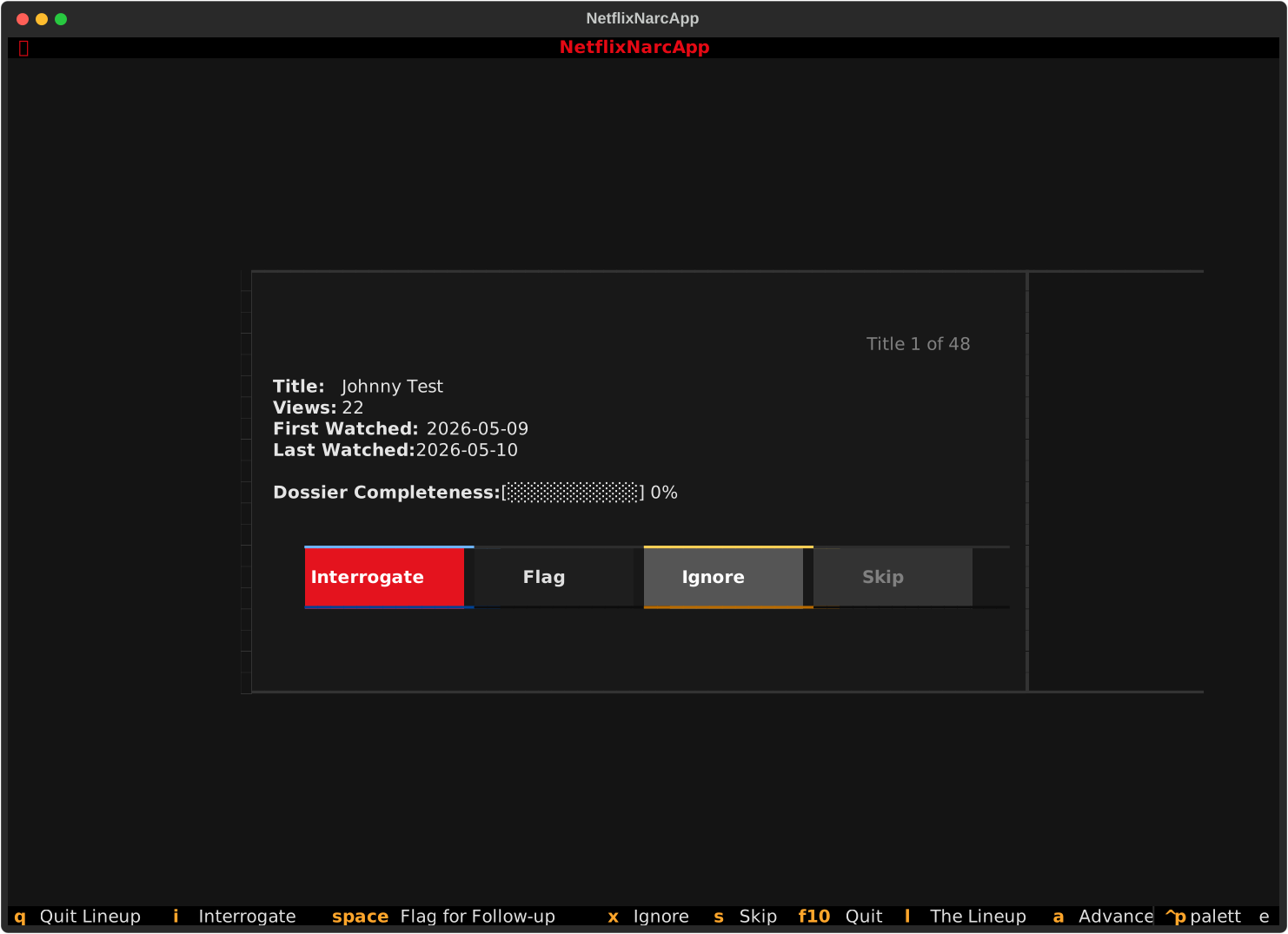
- 💻 Interactive Terminal UI: Seamlessly review titles in a sequential card queue, inspect content breakdowns, and adjust preferences with live Weight Impact Preview (before/after score deltas and pinning titles you know well to test weights/modes for optimal outcomes) using a sleek keyboard-driven Textual interface.
Where to Start?
Whether you are running netflix-narc for the first time or customizing your safety rules, explore the sections below:
-
Download standalone pre-built binaries for macOS, Linux, or Windows, or install via
uv,pipx, orpip. -
Step-by-step visual guide on exporting your official
ViewingHistory.csvfrom Netflix Account Settings. -
Walk through the first-run configuration wizard and optional API key setups for OMDb, TMDB, and CSM.
-
Explore the Lineup Screen, Interrogation Room, and Live Weight Impact Preview controls.
-
Synchronize preferences and Evidence Locker manual dossiers via local drive, Cloudflare R2, AWS S3, or Nextcloud/WebDAV.