Onboarding & Initial Setup
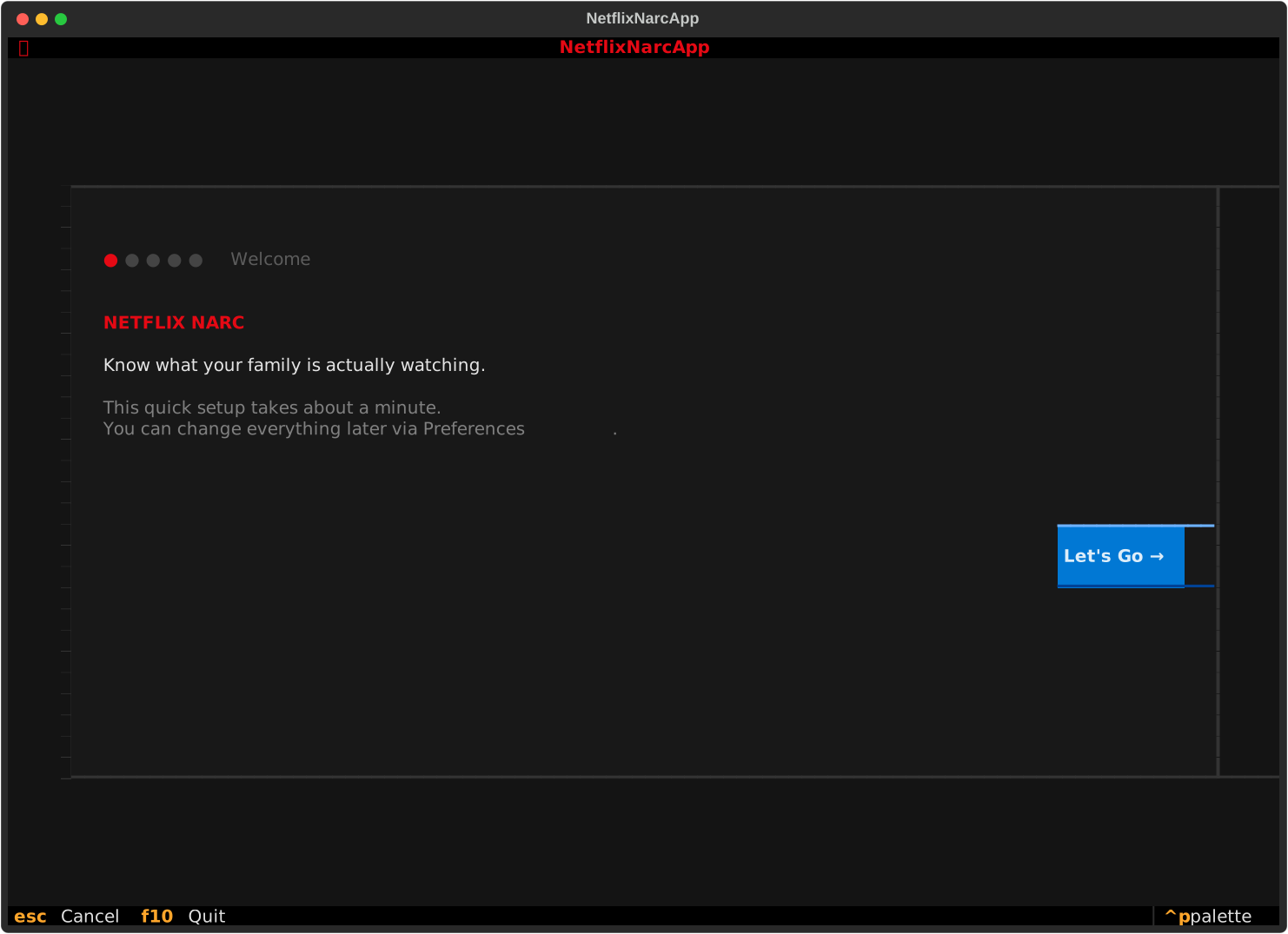
When launching netflix-narc for the first time, an interactive, multi-step Onboarding Wizard (OnboardingScreen) automatically greets you to configure your family monitoring defaults.
Step 1: Target Child Age Range
The onboarding wizard begins by asking for the age range of the child or teenager whose viewing history you want to monitor.
- Age Range Presets & Input: Enter single ages (e.g.
10) or ranges (e.g.8-12). - Safety Baseline: This setting establishes the age threshold used by the evaluation engine when determining whether a title should be flagged as inappropriate.
Step 2: Content Weights, Scoring Mode & Weight Impact Preview
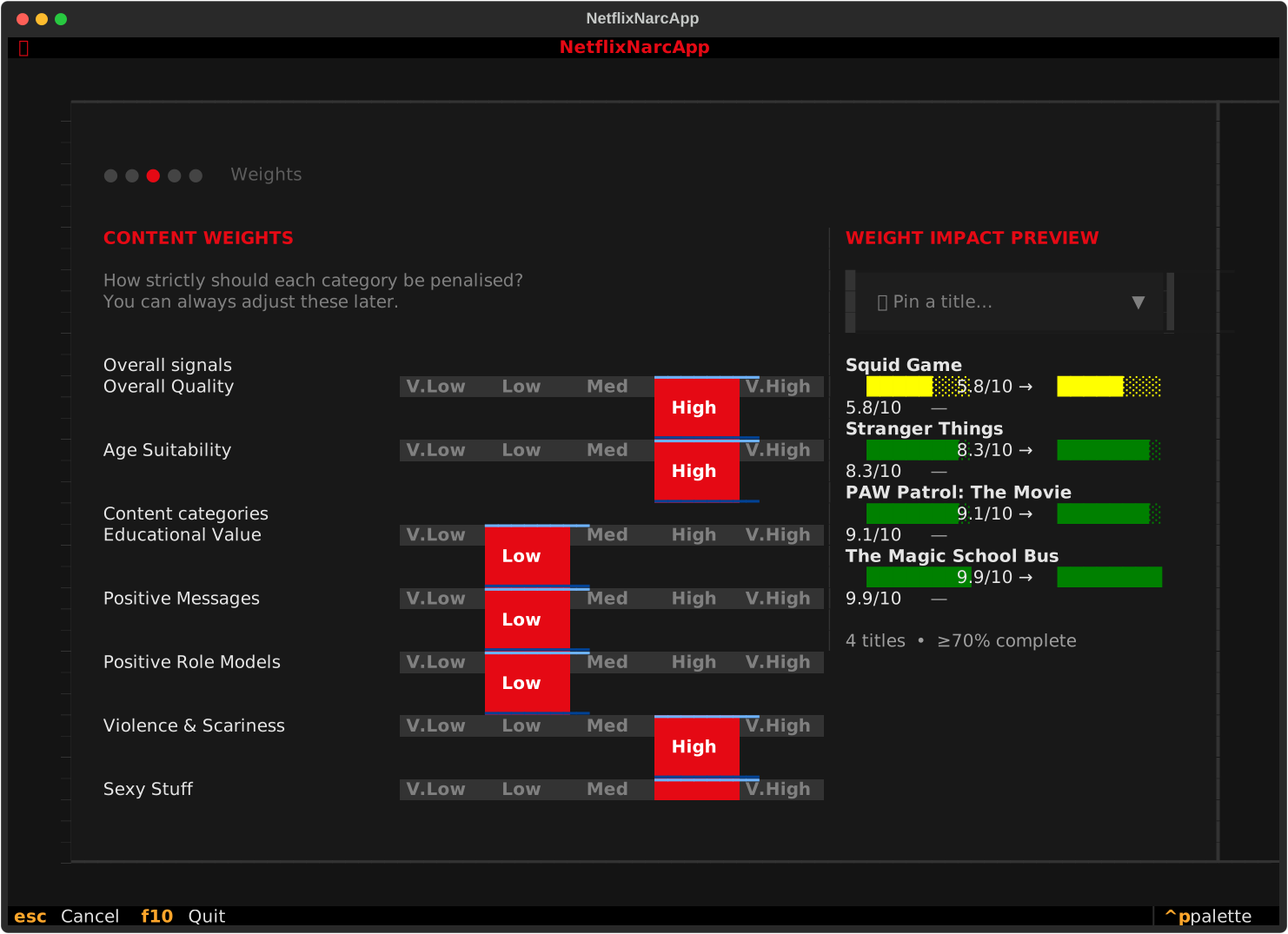
Configure your content sensitivity weights and choose an evaluation scoring mode.
- Scoring Modes: Select an evaluation algorithm that matches your parental philosophy:
- Option A (Quality Focus) 🛡️ (Stricter / Safer for Flagging Inappropriate Content): Content safety issues and age misfits act as direct, unmitigated penalty deductions. Mature or inappropriate content is penalized aggressively regardless of high critic ratings or positive messages.
- Option B (Balanced) ⚖️ (Default — More Forgiving): All 5 sub-suitability components contribute to a weighted average (with neutral safety capped at
7.0/10), allowing high educational or quality scores to temper mild safety warnings. - 📖 For full details on mathematical mechanics, see Scoring Modes in the TUI Walkthrough.
- Category Weights: Adjust 1–5 sensitivity sliders for Violence, Language, Sexual Content, Educational Value, and Positive Role Models.
- Live Weight Impact Preview: Observe real-time suitability bar shifts and deltas on sample titles as you adjust weights.
Optimal Setup: Pin Titles You Know Well
During Onboarding Step 2, we recommend using the 📌 Pin a Title dropdown in the preview panel to select a few titles you know well (e.g. one show you love for your child, one borderline show, and one show you dislike). Watch how their suitability scores react as you switch scoring modes and tweak weights to ensure optimal results.
Step 3: Optional API Key Configuration
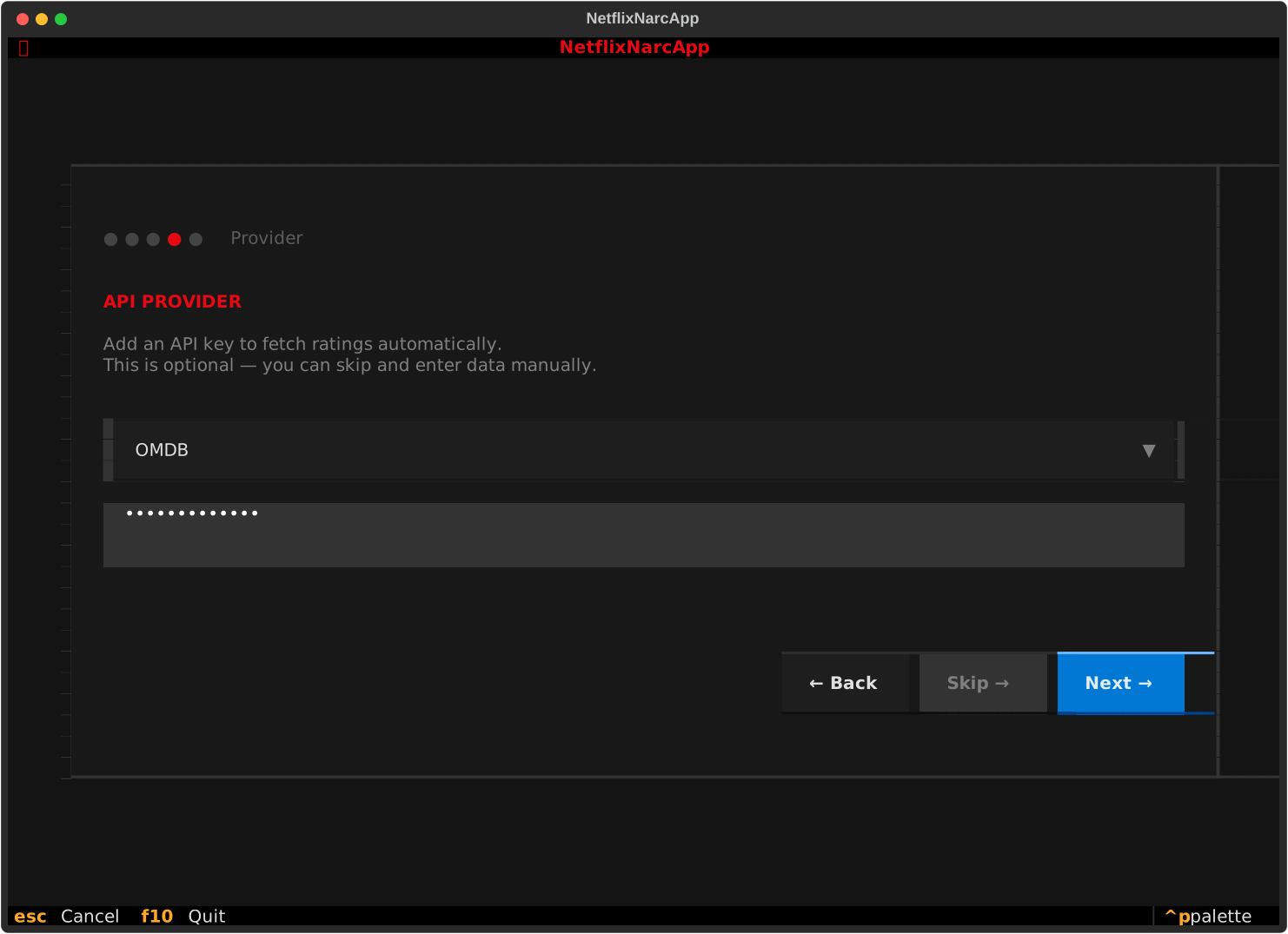
netflix-narc integrates with external metadata services to fetch accurate age ratings, content category breakdowns, and parental guidance reviews.
API Keys are Optional!
You do not need API keys to start using netflix-narc. If you don't have API keys, simply press Skip or Next to complete setup. You can always add API keys later in the Preferences screen or edit your config file directly.
Provider Details & Registration
| Provider | Purpose | Free Tier / Registration |
|---|---|---|
| OMDb API | Fetches IMDb scores, MPAA ratings (PG, PG-13, R), plot summaries, genres, and release years. | Free API Key available at omdbapi.com/apikey.aspx. |
| TMDB API | Provides rich movie/TV metadata, content advisory certification ratings, and high-resolution posters. | Free account and API Read Access Token at themoviedb.org/settings/api. |
| Common Sense Media | Detailed, age-specific parental reviews with category-specific ratings (Violence, Sex, Language, Consumerism, etc.). | Requires CSM API partner credentials. |
Step 4: Persistence & Config Location
Once setup is complete, all your preferences and API credentials are saved locally on your device in the standard XDG configuration directory:
Editing Preferences Later
You can re-open the settings panel at any time inside the TUI by pressing s to open the Preferences Screen, or by directly editing ~/.config/netflix-narc/.env in any text editor.